
Start with the property
Collect the address, current price and status, approved property details, agent contact information and licensed brokerage attribution. Include the source of your facts. Keep a real listing photograph separate from an illustration.
Create the materials you need
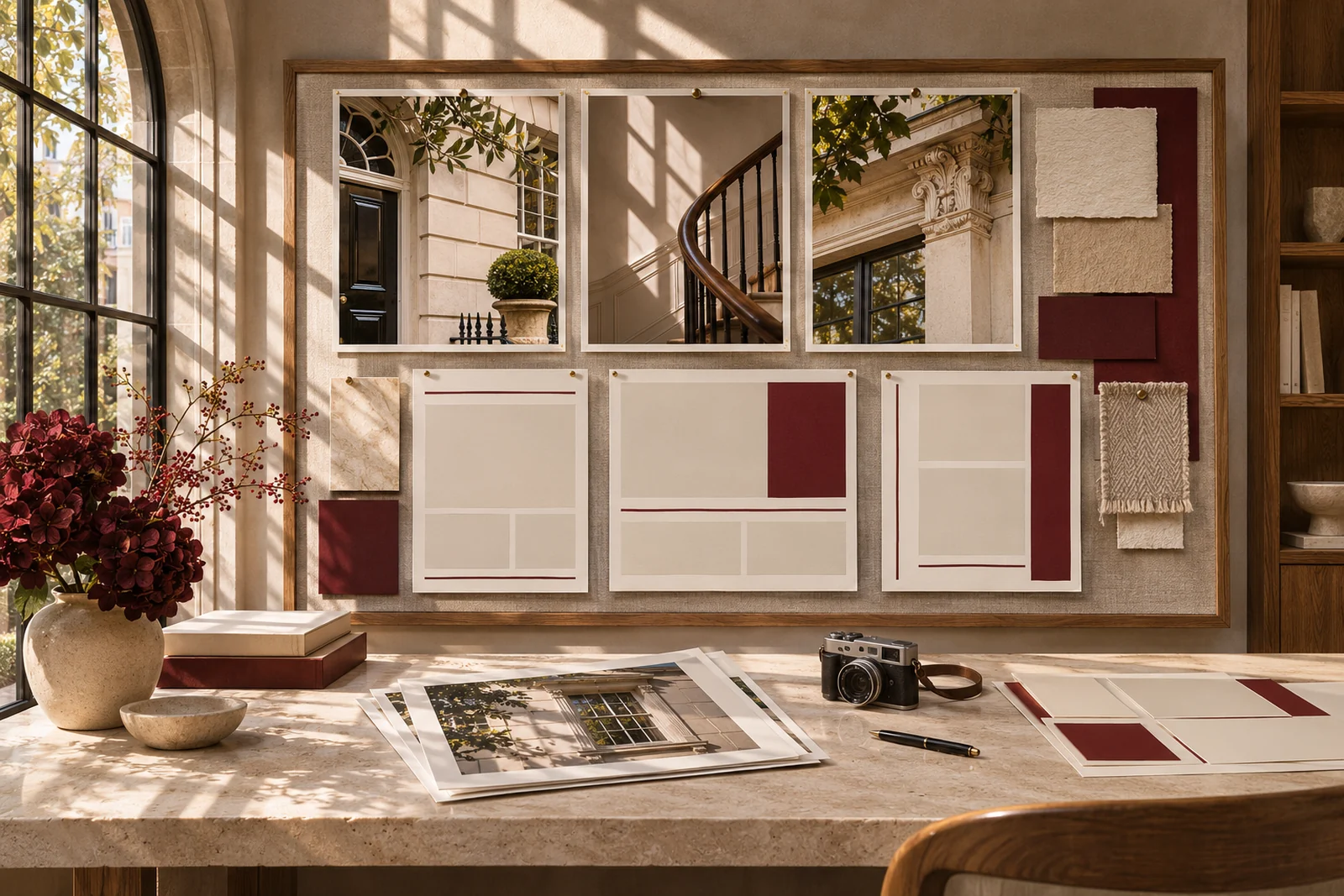
Open Marketing and select the listing, social, email or flyer format. Ask Max for a concise description based on the supplied details, or an image concept for an editorial or campaign illustration. MORE uses bone, oxblood and wine, with Archivo Black for the wordmark and headlines and Inter for readable copy.
Try: “Draft a just-listed description using only these verified facts. Give me a short social caption and a flyer headline.” The best starting point is a specific brief, not a list of unsupported adjectives.
Review and keep the approved version
Check every claim, price, date, required disclosure and brokerage credit. Generated imagery must not imply a real property feature that does not exist. Identify illustrations appropriately. Submit for review and export the approved version; the workspace does not automatically publish or send your campaign.
This guide explains the MORE workflow. Your signed agreements, permissions, and supervising broker’s requirements govern your work.